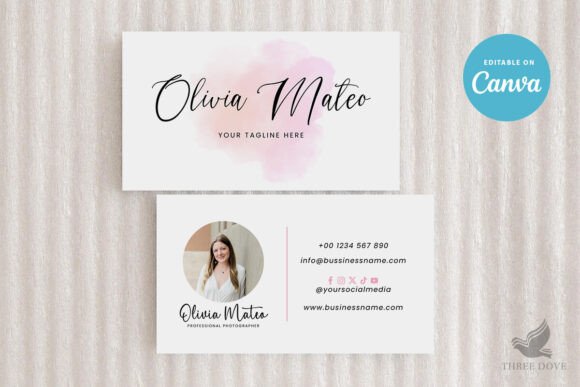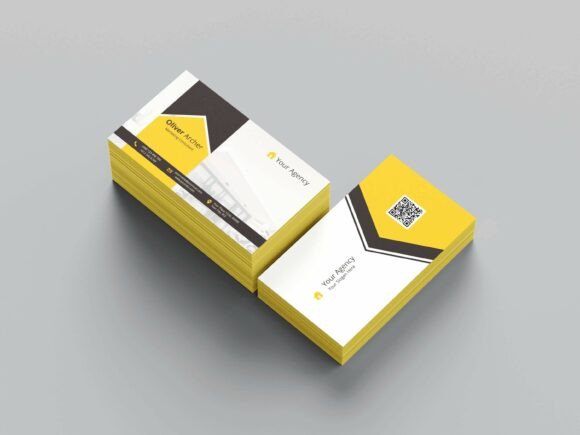
Professional Business Card V4: A Comprehensive Design Solution
For professionals looking to make a lasting impression, a well-designed business card is more than just a piece of paper—it’s a powerful tool for branding and networking. The Professional Business Card V4 offers a sleek, modern design that combines functionality with aesthetic appeal. Whether you're launching a new business or refining your personal brand, this template provides the flexibility and quality needed to stand out in a competitive market.
Key Features of Professional Business Card V4
The Professional Business Card V4 is designed with both usability and visual impact in mind. One of its standout features is the availability of 300 DPI print-ready CMYK PSD files. This ensures that your final printed cards maintain high resolution and color accuracy, essential for professional-grade results. The template is optimized for printing, making it an ideal choice for designers, marketers, and entrepreneurs who need reliable output every time.
Another major advantage of this template is its full layering and editability. With 100 layered and fully editable elements, users can customize every aspect of the design without compromising quality. From text placement to background elements, the ability to modify each component allows for complete creative control. This level of detail makes the template suitable for a wide range of industries and personal preferences.
Why Choose a PSD File for Your Business Card Design?
Using a Photoshop (PSD) file for your business card design offers several practical benefits. Unlike static image formats, PSD files allow for non-destructive editing, meaning you can make changes without affecting the original layers. This is particularly useful when working on complex designs where adjustments may be necessary at different stages of the project.
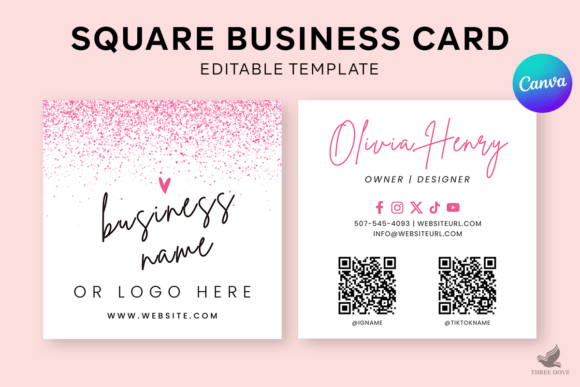
The Professional Business Card V4 comes with front and back PSD files, ensuring that both sides of the card are fully customizable. This is especially important for professionals who want to include additional information such as social media links, website URLs, or QR codes. The ability to edit both sides independently gives users greater flexibility in tailoring their cards to specific needs.
Design Elements That Enhance Professionalism
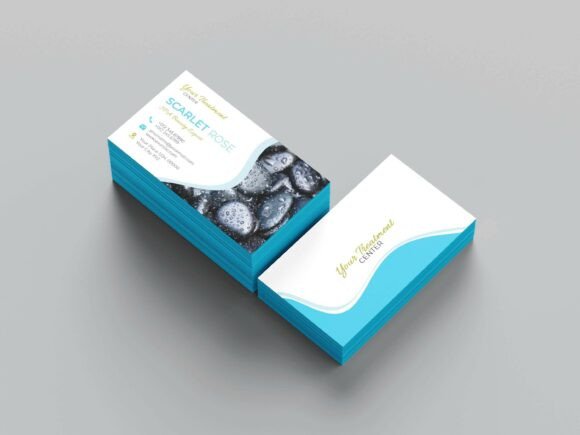
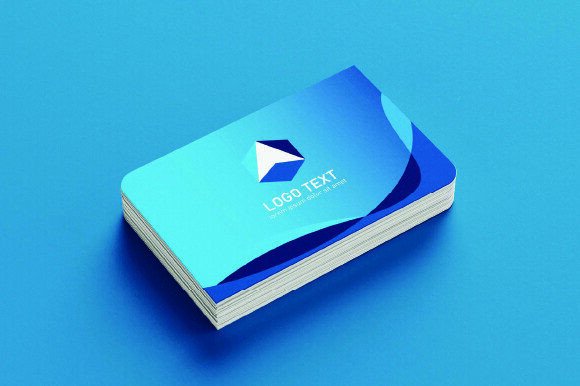
The Professional Business Card V4 includes a variety of design elements that contribute to a polished and professional look. The template uses a standard size of 3.5×2 inches, which is the industry norm for business cards. This ensures compatibility with most card printers and holders, eliminating the need for custom adjustments during production.
In addition to the standard dimensions, the template includes a 0.25 bleed, which is crucial for maintaining clean edges when printed. Bleed areas ensure that any background colors or images extend slightly beyond the final cut, preventing white borders or misaligned prints. This attention to detail reflects the template's commitment to producing high-quality, print-ready designs.
Free Fonts and User-Friendly Tools
One of the most appealing aspects of the Professional Business Card V4 is the inclusion of free fonts. These fonts are carefully selected to complement the overall design while offering a range of styles to suit different branding needs. Users don’t have to worry about licensing issues or additional costs, as all fonts are available for immediate use.
The template also comes with a help guide and well-documented notes, making it accessible even for those with limited design experience. This support ensures that users can navigate the template efficiently and make the most of its features. Whether you're a seasoned designer or a beginner, the documentation provides clear instructions to help you achieve the desired outcome.
Compatibility and Software Requirements
To use the Professional Business Card V4, you’ll need Adobe Photoshop CC or a higher version. This requirement ensures that all layers and effects are fully supported, allowing for seamless editing and customization. While some users may prefer alternative design software, the template is specifically optimized for Photoshop, guaranteeing the best possible results.
It’s important to note that the demo images included in the template are for preview purposes only and are not part of the downloadable files. This means that users will need to source their own images or use placeholders for the final design. However, the template’s structure and layout provide a solid foundation for integrating personal or client-specific visuals.
Practical Applications and Industry Relevance
The Professional Business Card V4 is a versatile solution that can be used across various industries. For example, in the tech sector, professionals can incorporate minimalist designs with bold typography to reflect innovation and modernity. In the legal or financial fields, a more formal and structured layout might be preferred, emphasizing trust and reliability.
Freelancers and small business owners can also benefit from using this template. It allows them to create a consistent brand identity across all marketing materials, including business cards, brochures, and digital profiles. By maintaining a cohesive look, these professionals can build stronger recognition and credibility within their respective markets.
Recommendations for Optimal Use
To get the most out of the Professional Business Card V4, consider the following recommendations. First, take time to review the help guide and documentation before starting your design. Understanding the template’s structure will save time and reduce errors during the editing process.
Second, plan your content carefully. Since the template is highly customizable, it’s important to decide on the information you want to include—such as name, title, contact details, and any additional graphics. This preparation will help streamline the design process and ensure that all elements fit harmoniously within the layout.
Finally, always test your design before printing. Preview the template in different formats and check for any alignment issues or color inconsistencies. This step can prevent costly mistakes and ensure that your final business cards meet your expectations.